Signed APK · Android 8+
Scholix for Android
Same data, in your pocket.
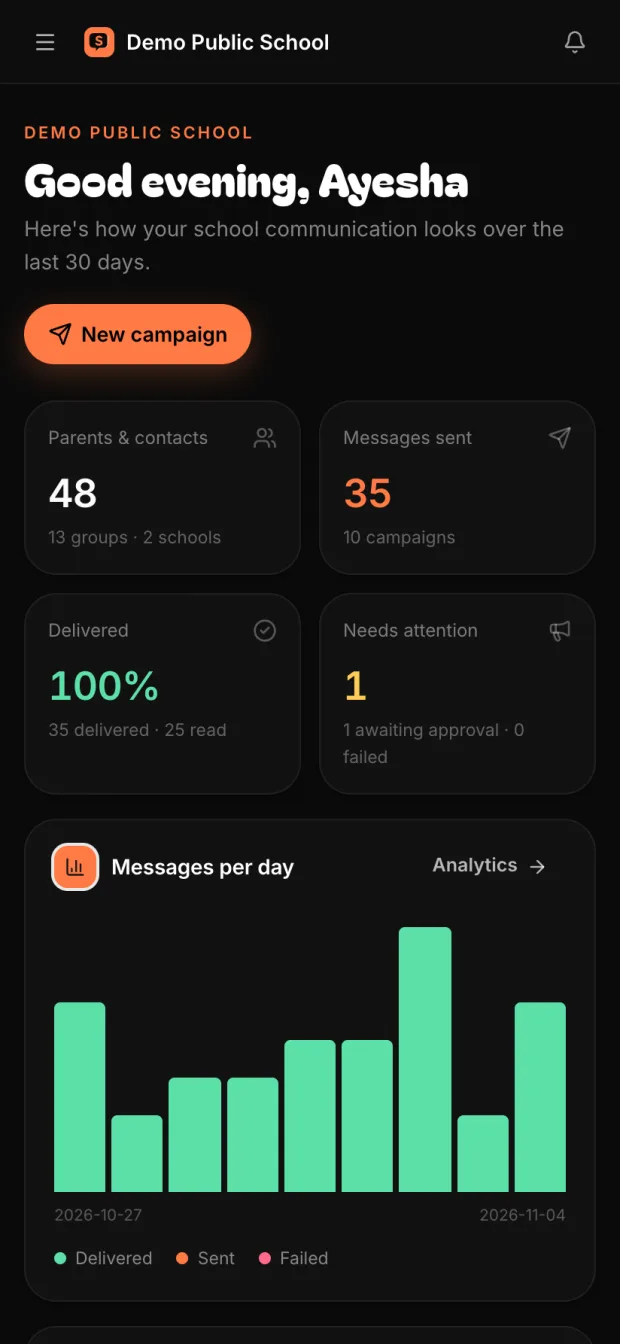
Import parents from your phone, prepare announcements offline, follow campaigns and reply to parents. Everything you do syncs with the web dashboard. The app is optional and Android only. On iPhone or iPad, install Scholix from your browser.
Use Scholix on the webThe first Android release is on its way.

On iPhone or iPad?
There is no App Store app. Install the web app from your browser in a few seconds. It opens full screen from your home screen, with every dashboard feature.
1. Open your Scholix dashboard in Safari
2. Tap the Share button
3. Choose Add to Home Screen
Install on Android in four steps
- 1Open this page on your Android phone and tap Download APK.
- 2When asked, allow your browser to install unknown apps.
- 3Open the downloaded file and tap Install.
- 4Sign in with the same Google account or email you use on the web.
Every release is signed with the same key, so updates install over the old version and keep your data. More help: installing the APK.
What the app does
- Google sign-in and workspace switching
- Pick phone contacts to import
- Offline drafts and cached contacts
- Compose, schedule and approve campaigns
- Live inbox, team and analytics